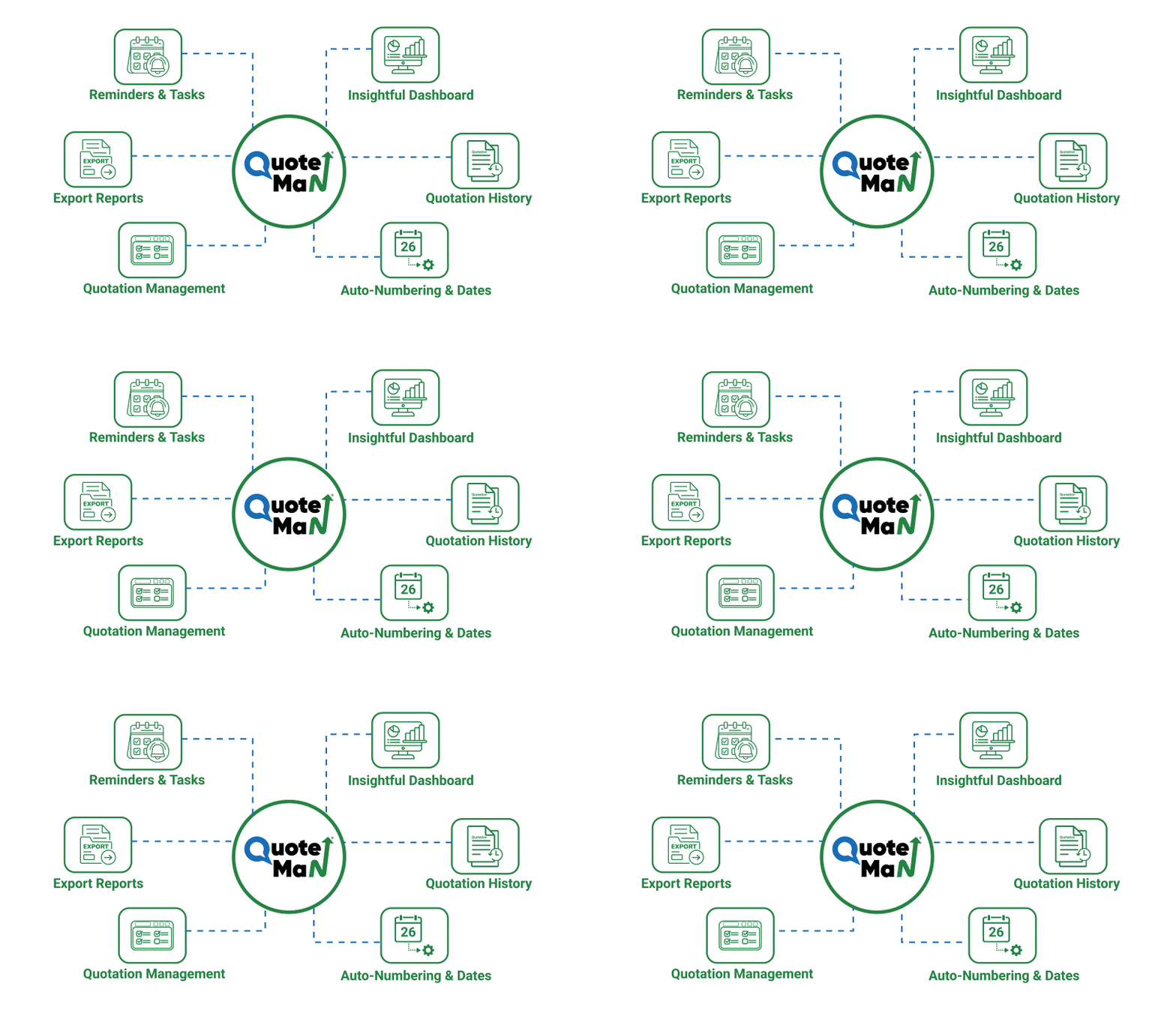
Powerful Features To Simplify Your Quotation Management Process
QuoteMan's smart tools help you manage quotations, teams, and customer communication - all from one place.

Quotation Creation
Create professional, accurate quotations in minutes using a streamlined workflow designed for speed and consistency.

Quotation Management
Manage all quotations from one dashboard with easy editing, tracking, approvals, and real-time status updates.

Quotation Sharing
Share quotations securely with customers directly from QuoteMan via WhatsApp or email.

Instant Quotation Conversion to Proforma Invoice
Convert approved quotations into Proforma Invoices instantly without re-entering any data.

Simple User Interface
Enjoy a clean, intuitive interface that reduces learning time and helps teams work faster without technical complexity.

Export to PDF
Download quotations & proforma invoices as professional PDFs, ready for printing, emailing, or official documentation.
Hide & Show Fields on Quotations
Customize quotations by hiding or showing fields to keep documents clean, relevant, and customer-friendly.

Insightful Dashboard
Get a clear overview of sales performance, quotation status, and pipeline through an easy-to-understand dashboard.

Item Grouping
Organize items into groups for better group specifications & presentation.

Customer-specific Multiple Terms & Conditions
Set different terms and conditions for each customer to match business agreements and compliance needs.

Multiple Quotation Templates
Choose from multiple quotation templates to suit different businesses, customers, or branding requirements.

Reminders & Tasks
Set reminders and tasks so you never miss follow-ups, approvals, or important quotation actions.

Attach Item Related Image & Docs
Attach item image and documents of specific items, helping customers clearly understand products and specifications.

Attach Company Profile
Include your company profile with quotations to build trust and present a professional brand image.

Quotation History
Access complete quotation history anytime to access edits on the quotations.

Bulk Item & Customer Creation
Save time by importing items and customers in bulk instead of adding them one by one manually.

Limited Powers to Users
Control user permissions by assigning limited powers to team members based on their roles and responsibilities.

Custom Item Fields
Add custom fields to items in quotations to capture business-specific information.

Multiple Bank Details
Add and manage multiple bank accounts on quotations for flexible payment options across different customers.

Export Reports
Export detailed reports for quotations to support analysis and business planning.
Multiple Filters
Use powerful filters to quickly find quotations, customers, or items based on dates, status, or users.

Insert Signature & Seal
Digitally add authorized signatures and company seals to quotations for authenticity.

Assign Multiple Contacts to Customer
Link multiple contacts to a single customer for smoother communication across different departments or decision-makers.

Auto-numbering & Dates
Automatically generate quotation numbers and dates to maintain consistency and avoid manual errors.

Auto-versioning of Quotations
Track every change with automatic quotation versioning, ensuring clarity and accountability at all times.

Assign Customer to Sales Person
Assign customers to specific salespersons for clear ownership and better follow-up management.

Limit Discount for Sales Teams
Set discount limits for sales teams to maintain pricing control and protect profit margins.

Commissions
Assign commissions to Salespersons or Customers directly within the quotation.